
Meet people in real life. Keep connected automatically.
The Problem With In-Person Events
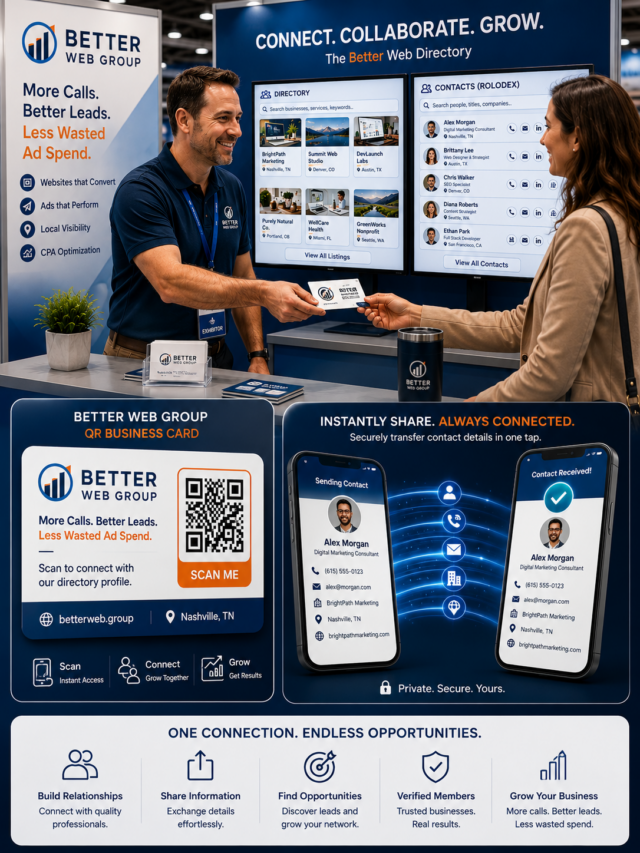
You meet 30 people at a conference. You swap cards. A week later, you can’t remember who was who, half the cards are lost, and none of those connections made it into anything useful.
Webring Plus solves this by giving every event a living, searchable directory that attendees can find, join, and explore — before, during, and after the event.
A Searchable Directory Everyone Can Browse
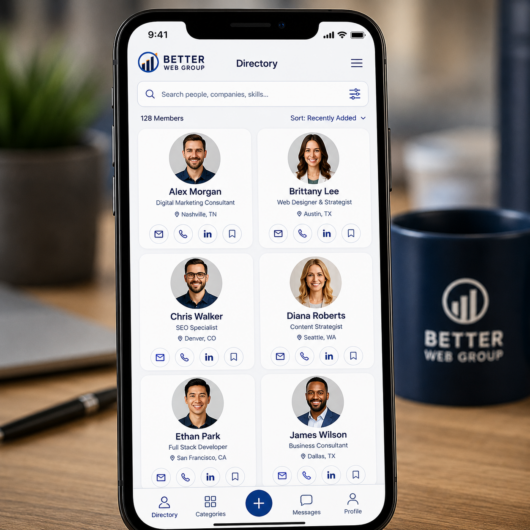
Set up a full-page directory for your event and every attendee gets a listing. Visitors can search by name, filter by category or industry, sort by newest, and page through results. No spreadsheet. No PDF program guide. A real, filterable catalog that works on any phone.
The Rolodex View: A People-Finder That Actually Works
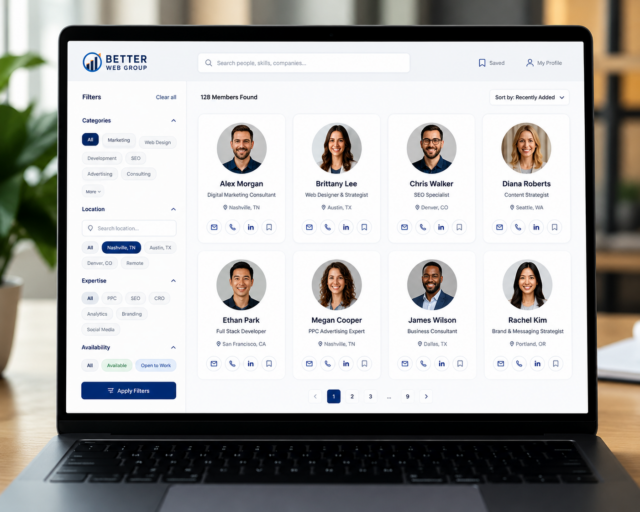
Switch to Rolodex mode and the directory becomes a people-finder — circular profile photos, contact details, job titles, and an “Open Now” status for businesses. Perfect for trade shows, business expos, or community directories where attendees want to find and contact someone fast.
QR Code Business Cards: Physical Meets Digital
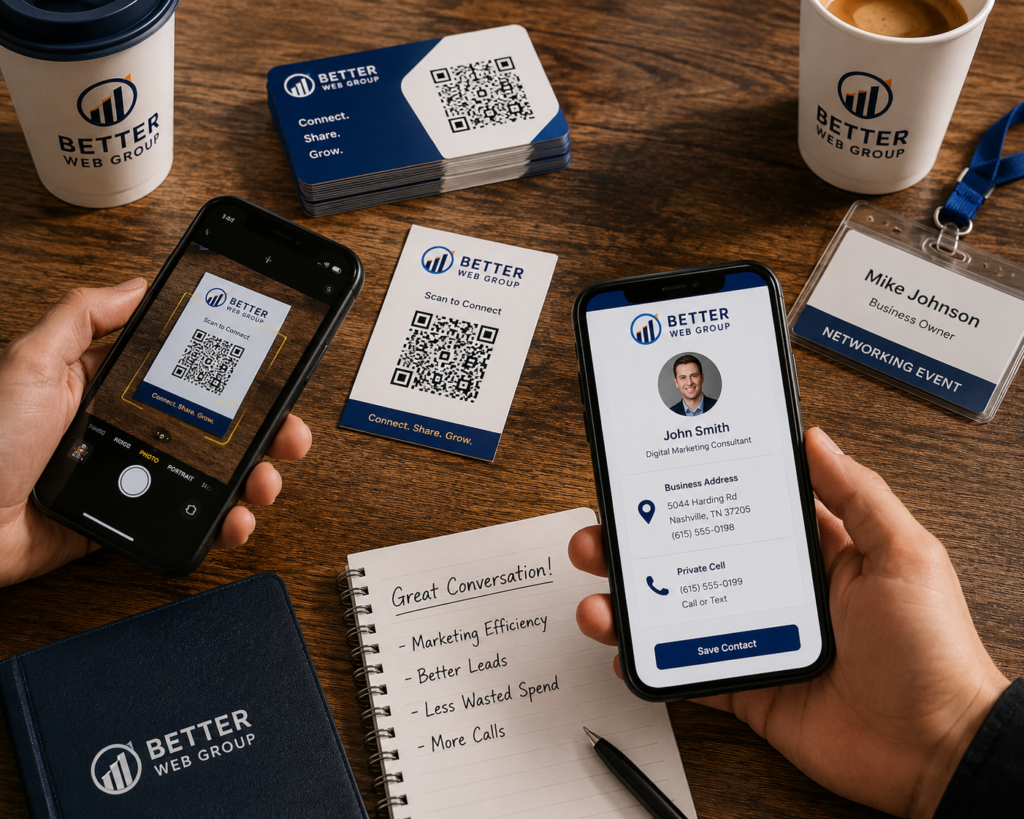
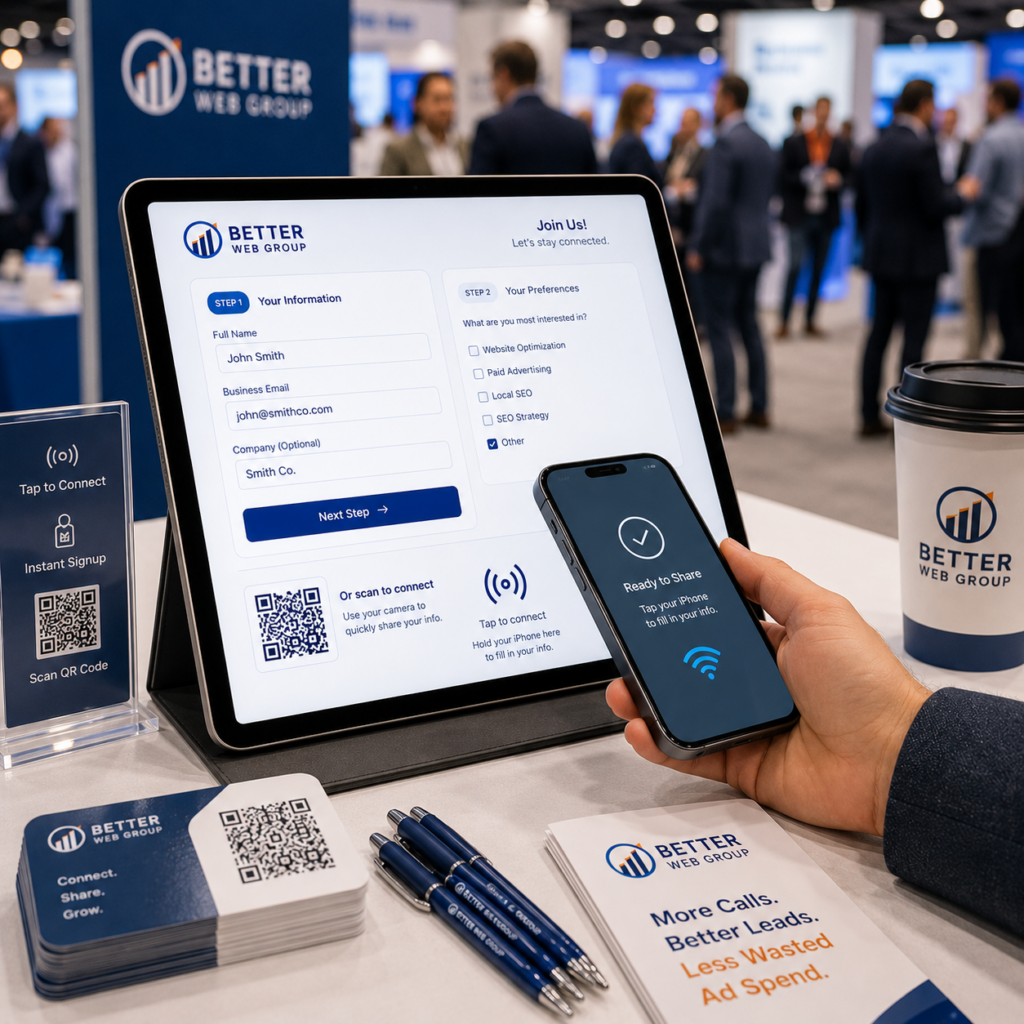
Every listing in the directory gets a print-ready QR code card — business card size (3.5″×2″) or postcard size (4″×6″). Print them for your event check-in table, include them in lanyards, or let attendees download and print their own. Scanning takes you straight to their listing profile.
No more lost cards. The QR code is the card.
The Connect Form: Join in 60 Seconds
At your event booth or welcome table, pull up the Connect Form on a tablet. Attendees fill in two quick steps — their contact info and socials, then opt-in preferences — and they’re in the directory instantly. No manual data entry. No follow-up emails asking for bios.
The form handles image uploads, social links, newsletter opt-ins, and bot protection out of the box.
After the Event: The Directory Lives On
Most event apps go dark 48 hours after the conference ends. A Webring Plus directory keeps working. Attendees can browse, discover new collaborators, and revisit connections weeks later. Add it to your event recap email, your community Slack, or your website — the same embed works everywhere.
One event. One directory. Connections that last.

CTA: Ready to set up a directory for your next event? [Get started →]